 Calisthenics · Ambition
Calisthenics · Ambition
Calisthenics · Ambition
Discover every feature of the app step by step, from the home screen to your athlete profile.
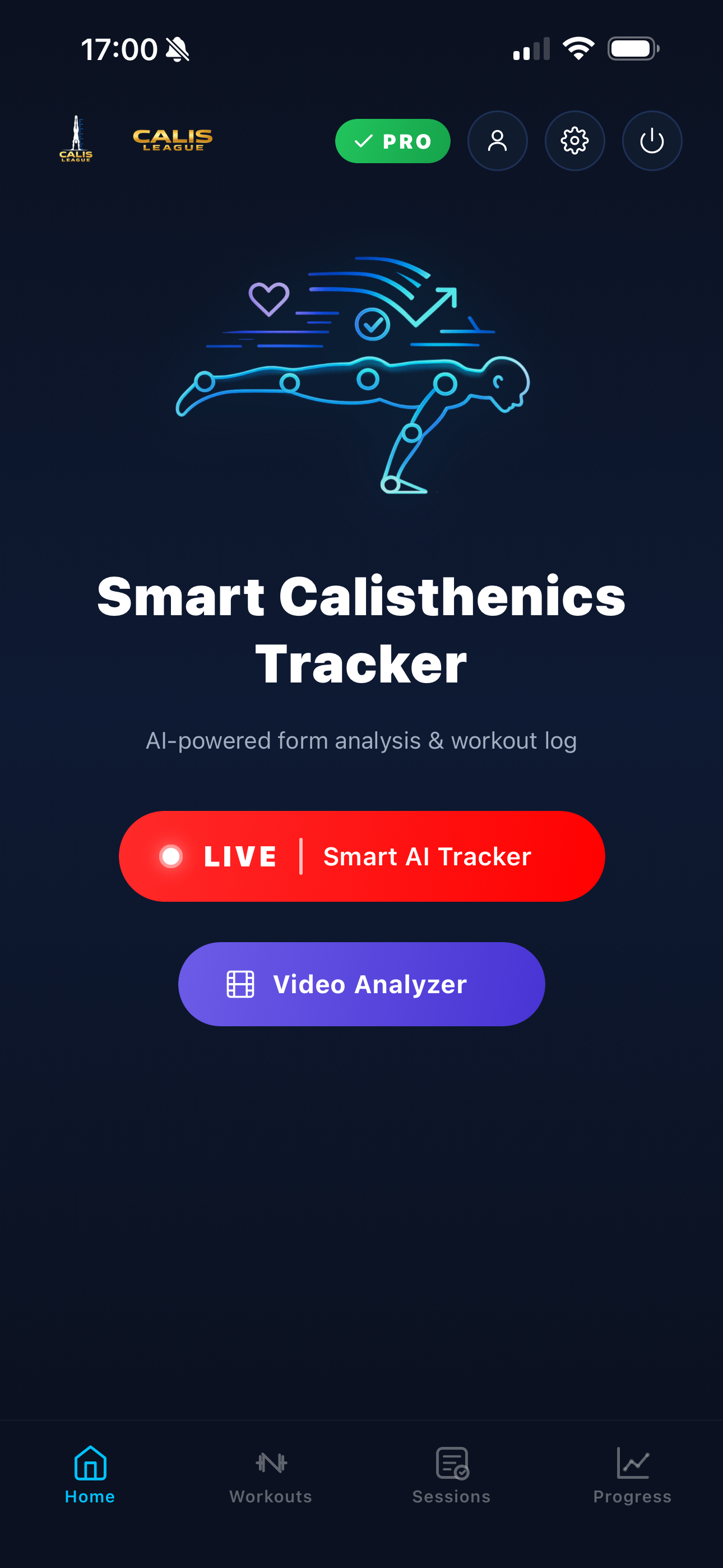
The home screen gives you access to two main tools: the Live Counter for real-time analysis and the Video Analyzer to analyse recorded videos.
Tap the LIVE button to launch the AI tracker in real time, or Video Analyzer to analyse a video from your gallery.
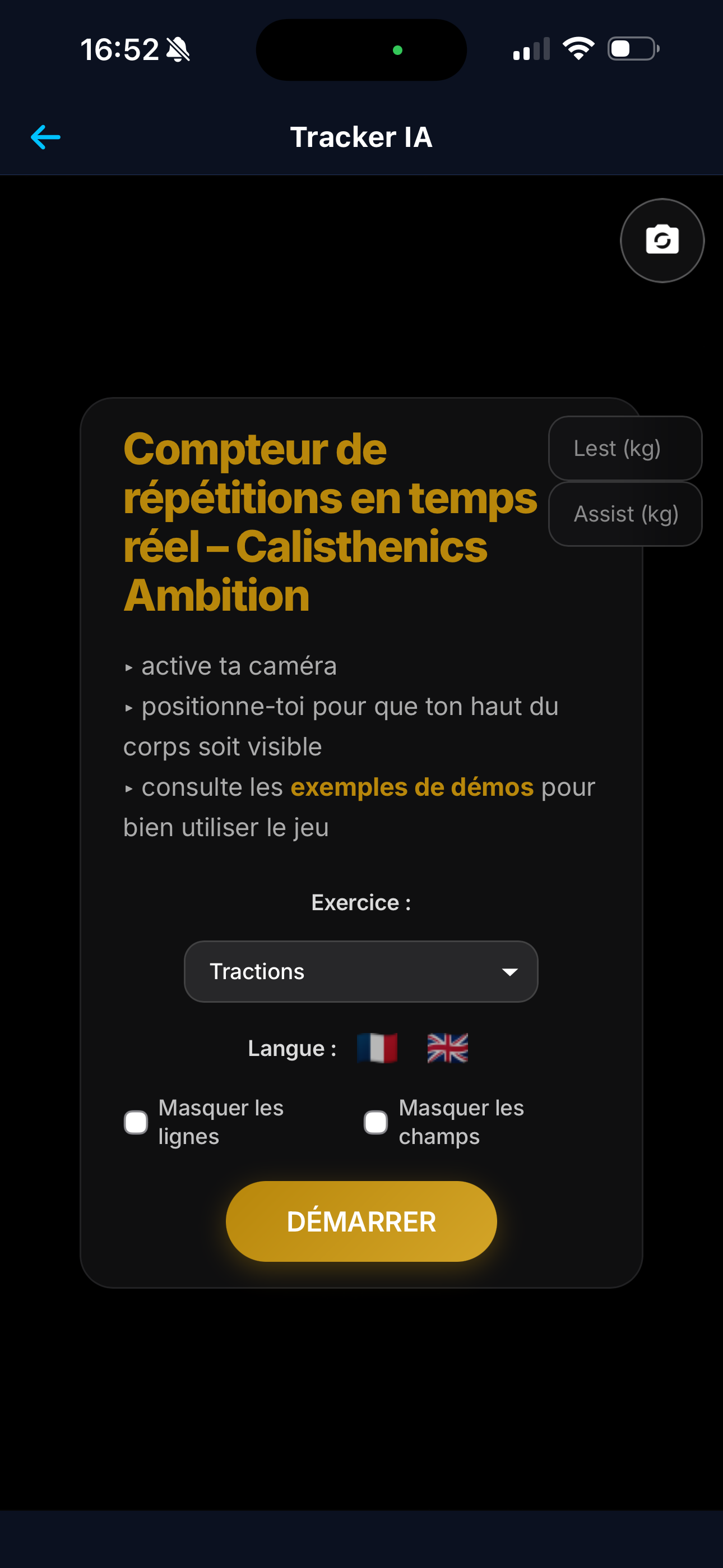
Select your exercise from 39 supported calisthenics movements. The AI automatically detects your joints with advanced pose-estimation.
Position your phone so your full body is visible, then perform your skill. The rep counter and timer trigger automatically.
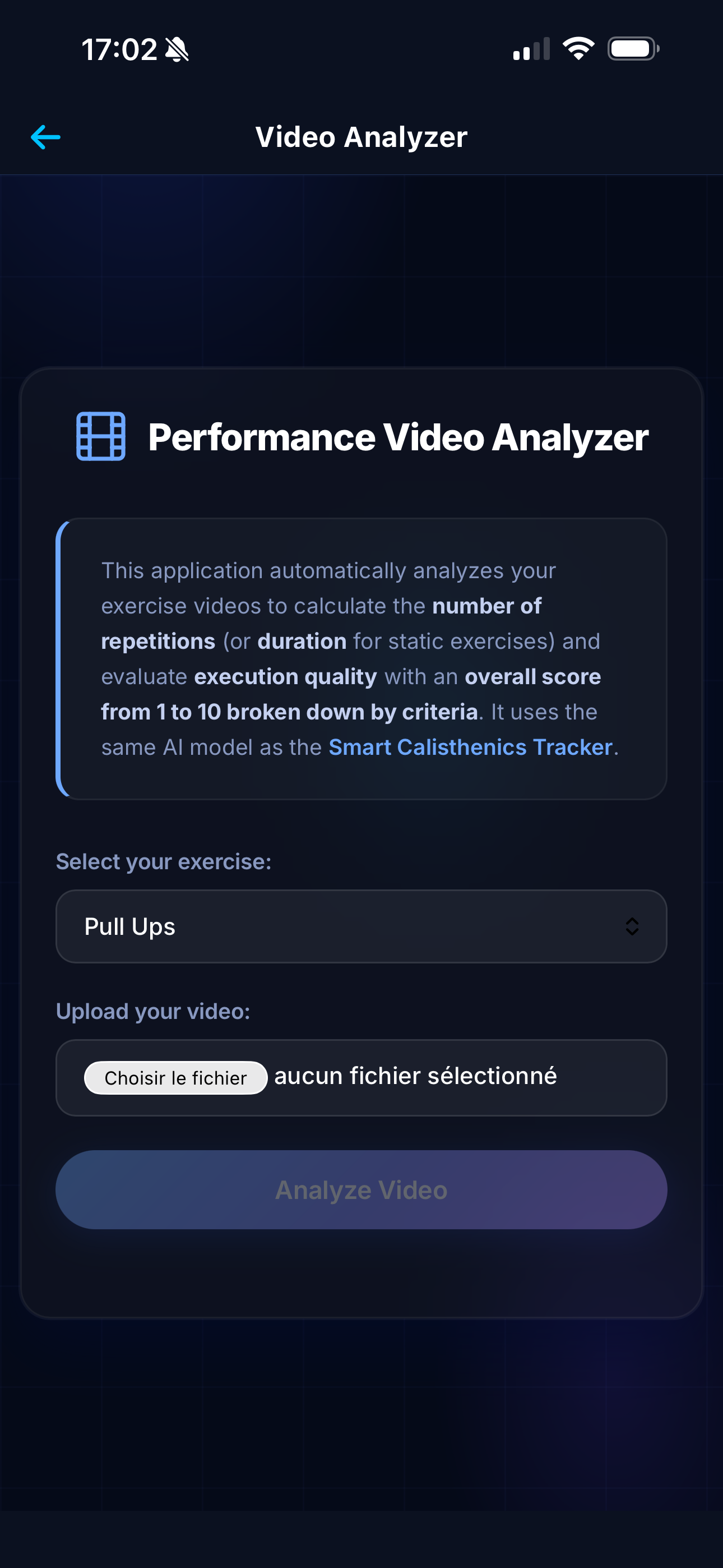
Got a training video? Load it into the Video Analyzer for the same AI analysis as the live mode — reps, hold time and quality score.
The AI processes the video frame by frame and gives you a detailed result with detected reps and your quality score.
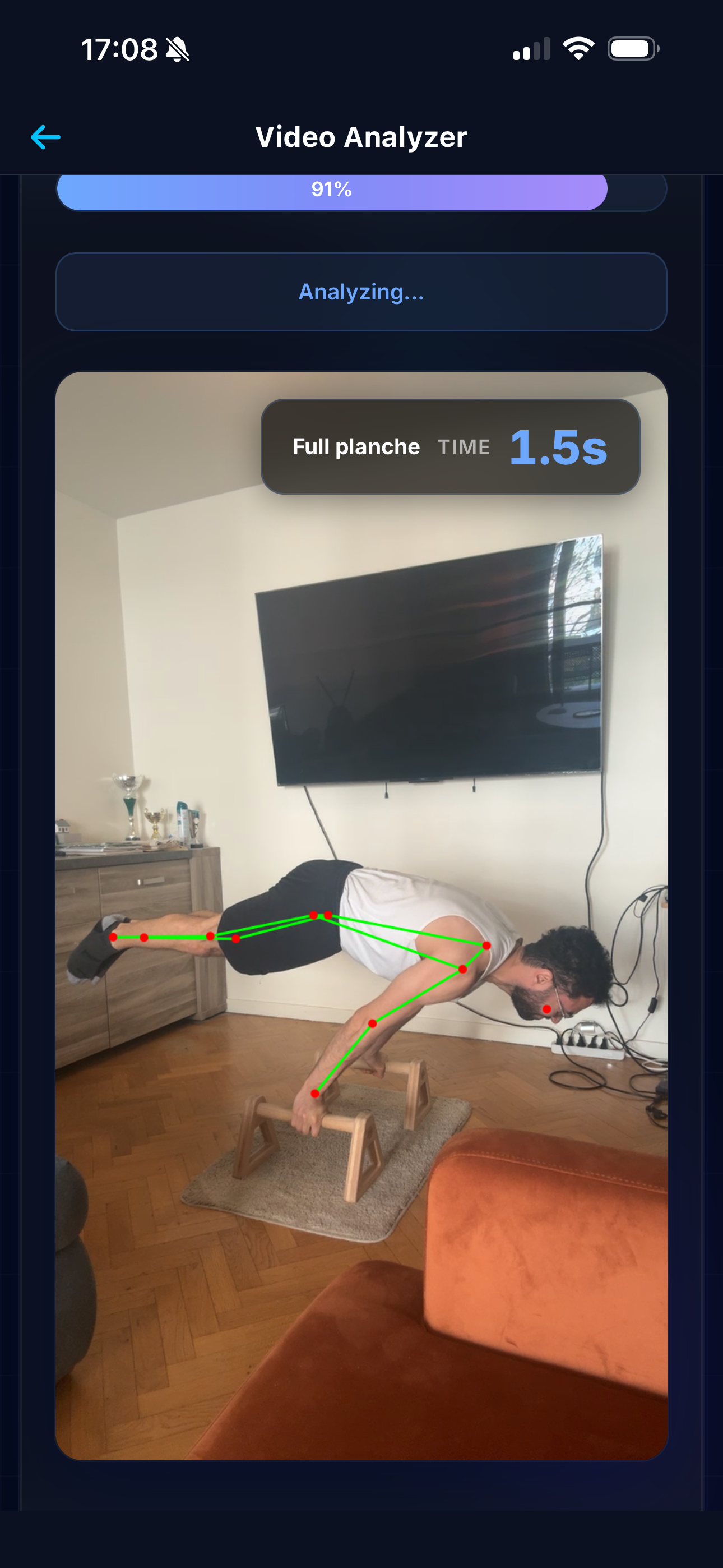
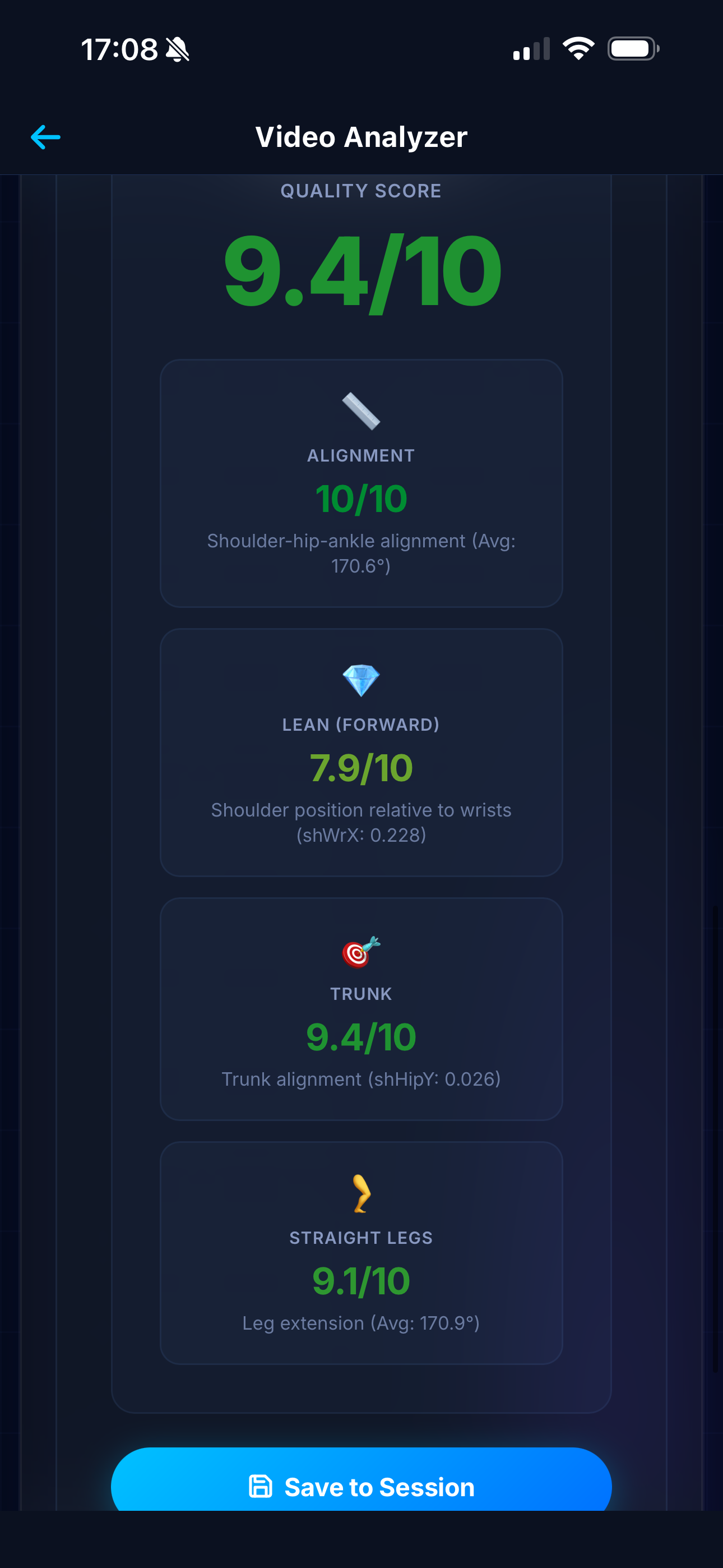
After the analysis, view the complete report: detected reps, hold time, overall quality score and detailed breakdown of each evaluated criterion.
Each criterion (alignment, depth, straight legs, lean...) is scored individually to help you target your areas for improvement.
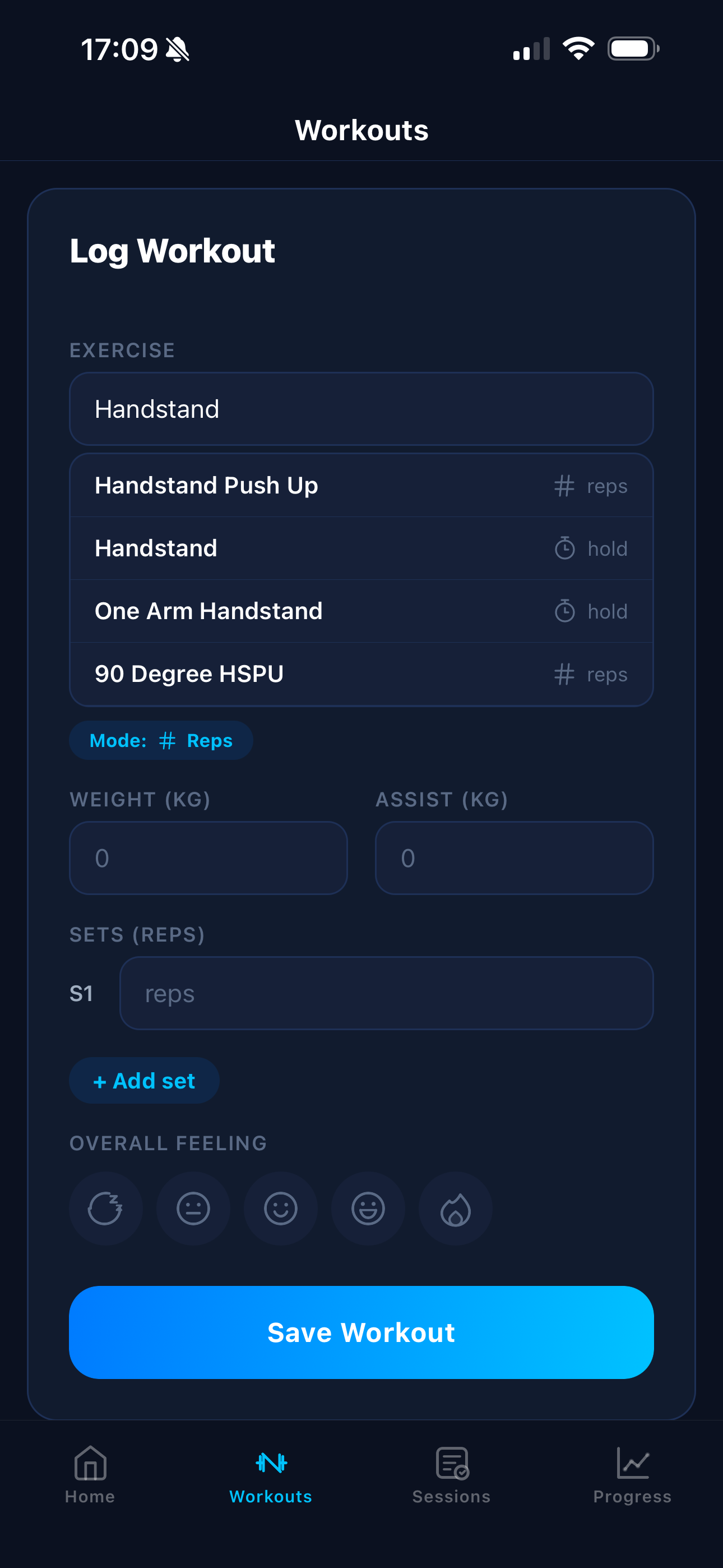
Besides AI tracking, you can manually log your sessions with all details: exercise, sets, reps, hold time, load or assistance.
Every entry is saved and contributes to your progress tracking over time.
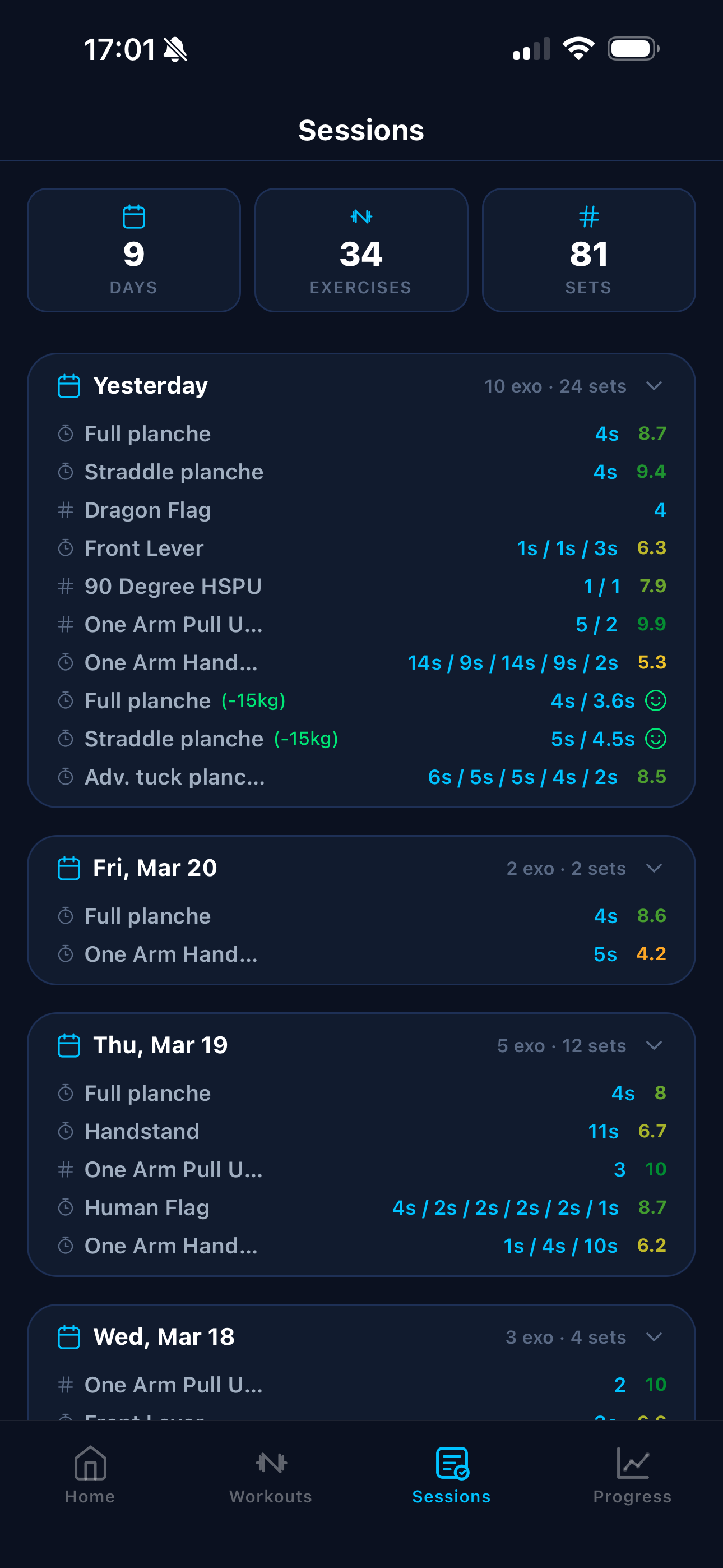
Find all your past sessions in a chronological history. Each session shows a summary with exercises performed, number of sets and date.
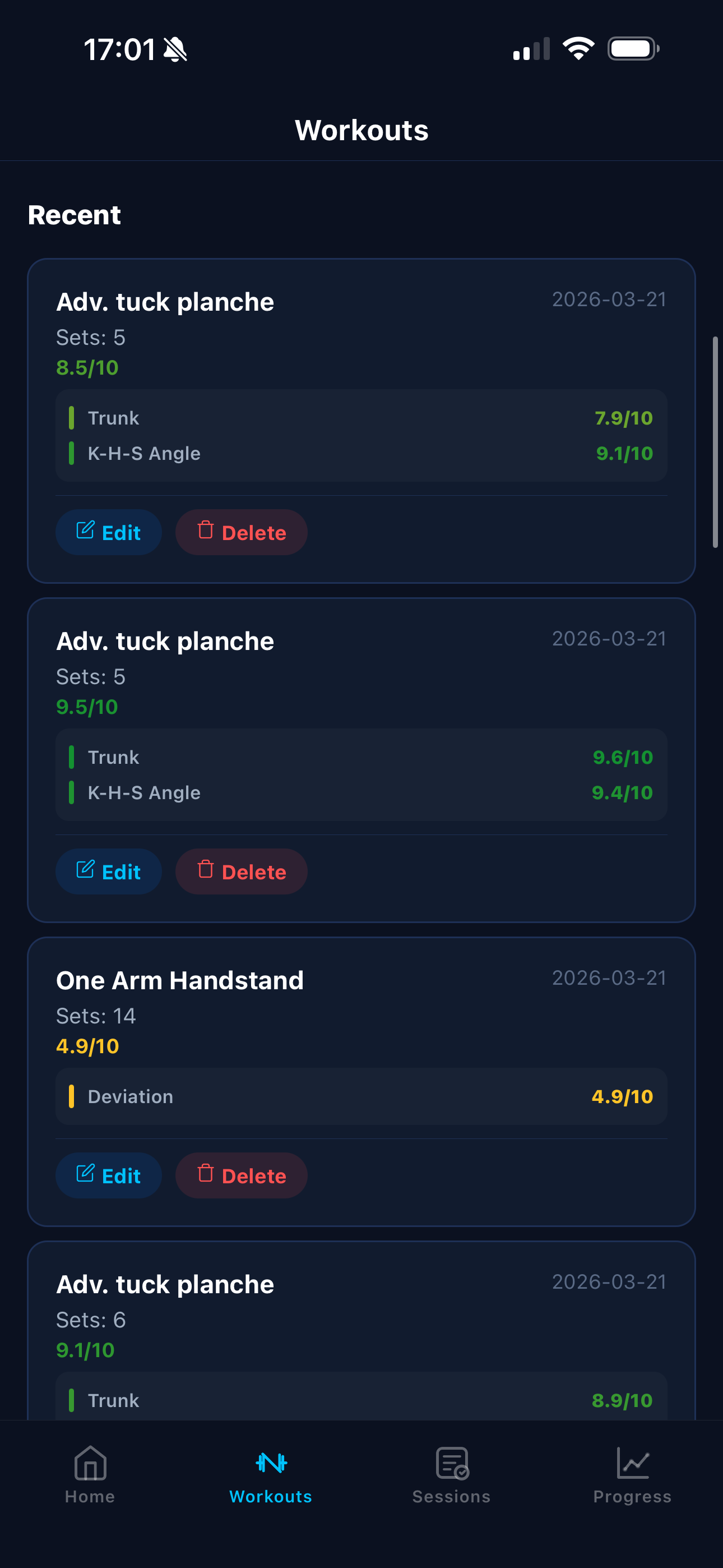
You can also edit or delete recent sessions to keep your history clean and up to date.
Clear, visual graphs show your evolution week after week, exercise by exercise.
Visualise your trends, identify your improvements and spot exercises that need more attention.
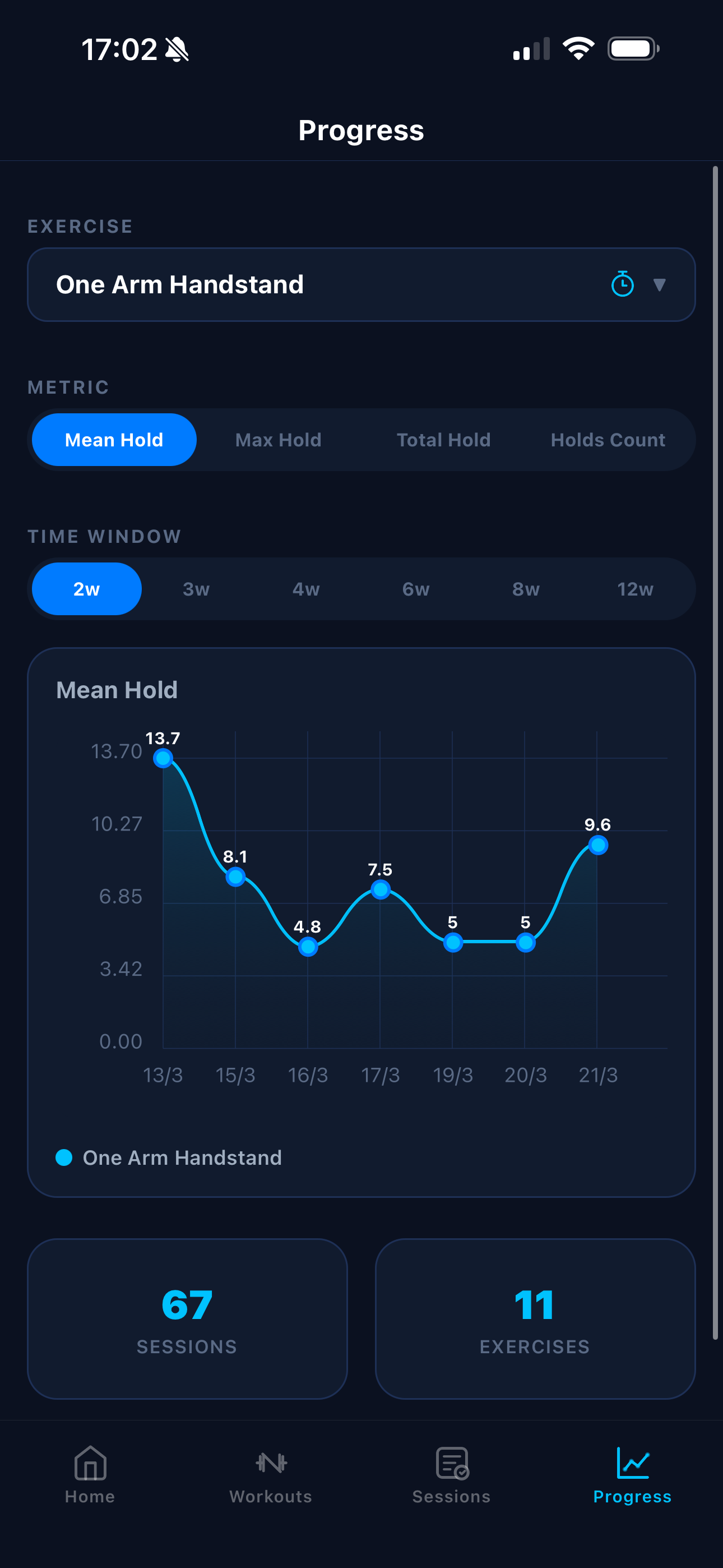
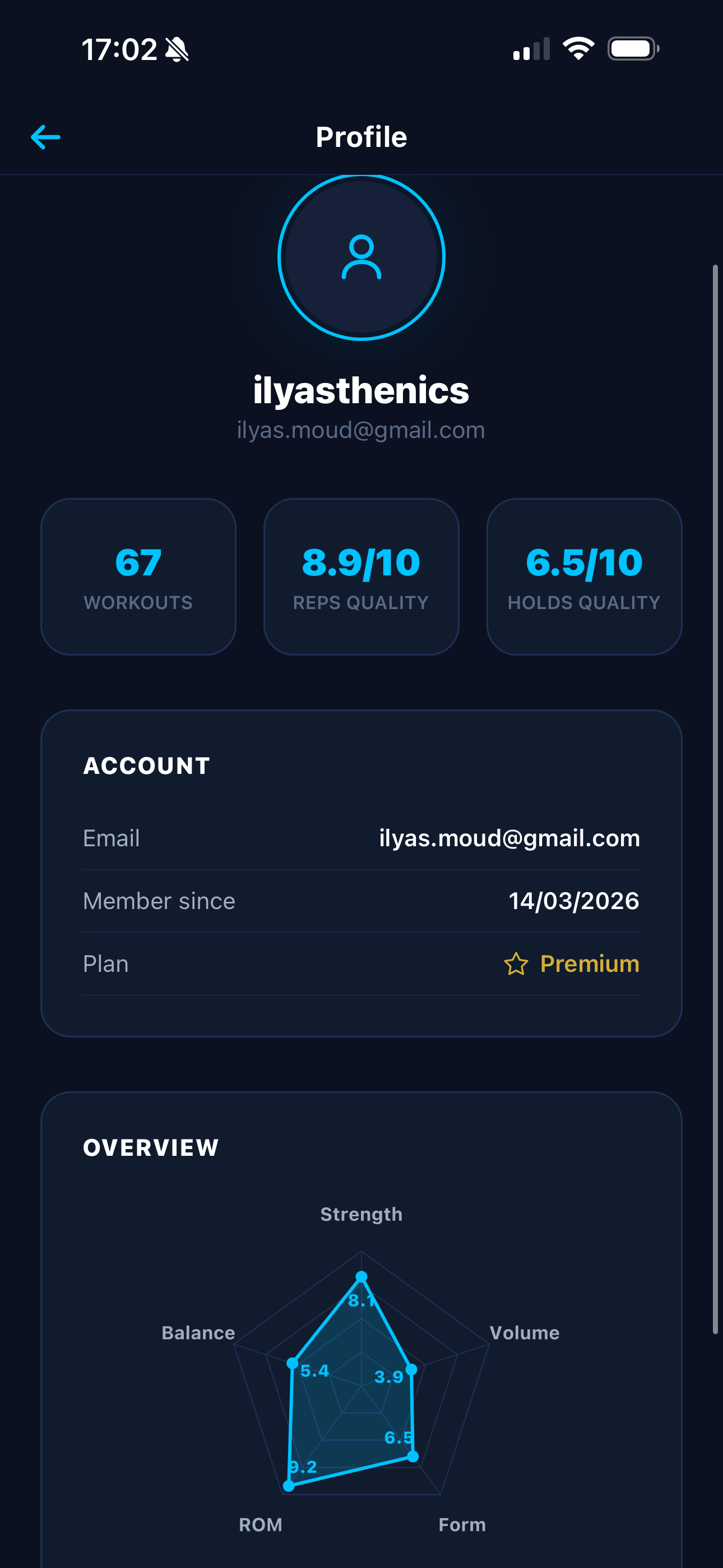
A personal dashboard that gathers all your stats: total sessions, favourite exercises, personal records and a radar chart of your performance.
Customise your profile info and see at a glance your overall level in calisthenics.
Download Calis League and discover the future of calisthenics training.

